What is crossweave?
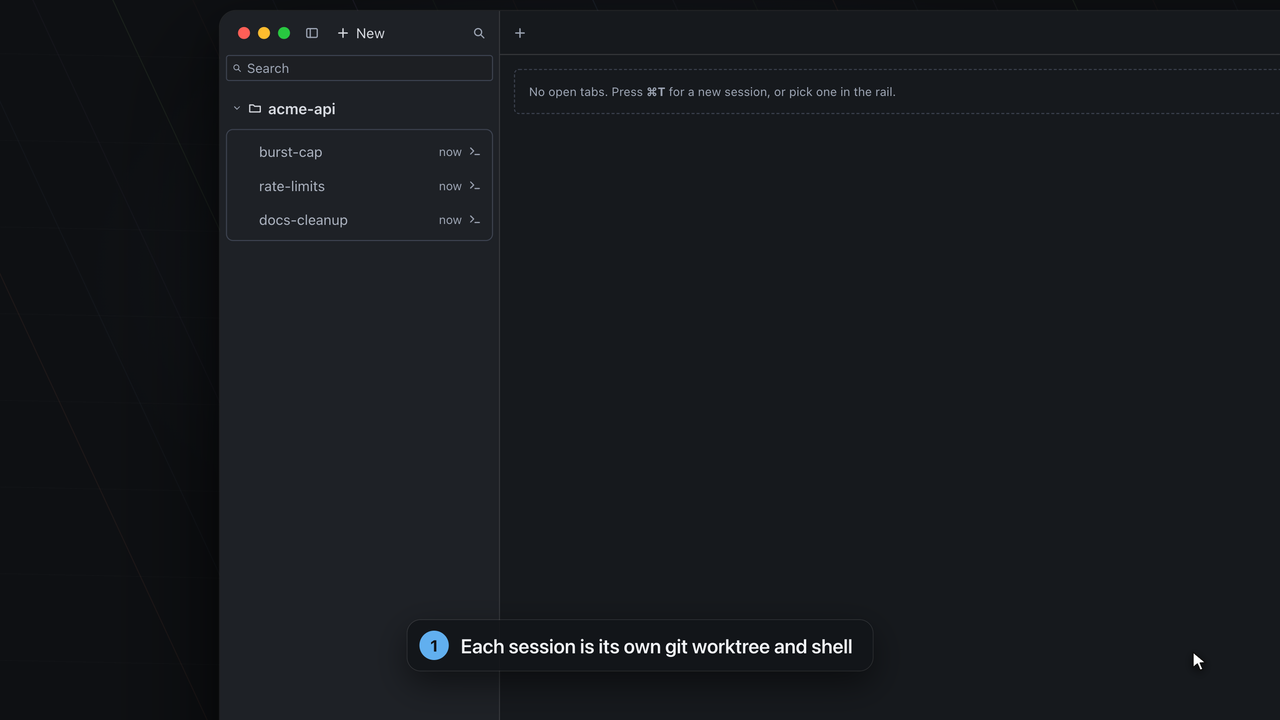
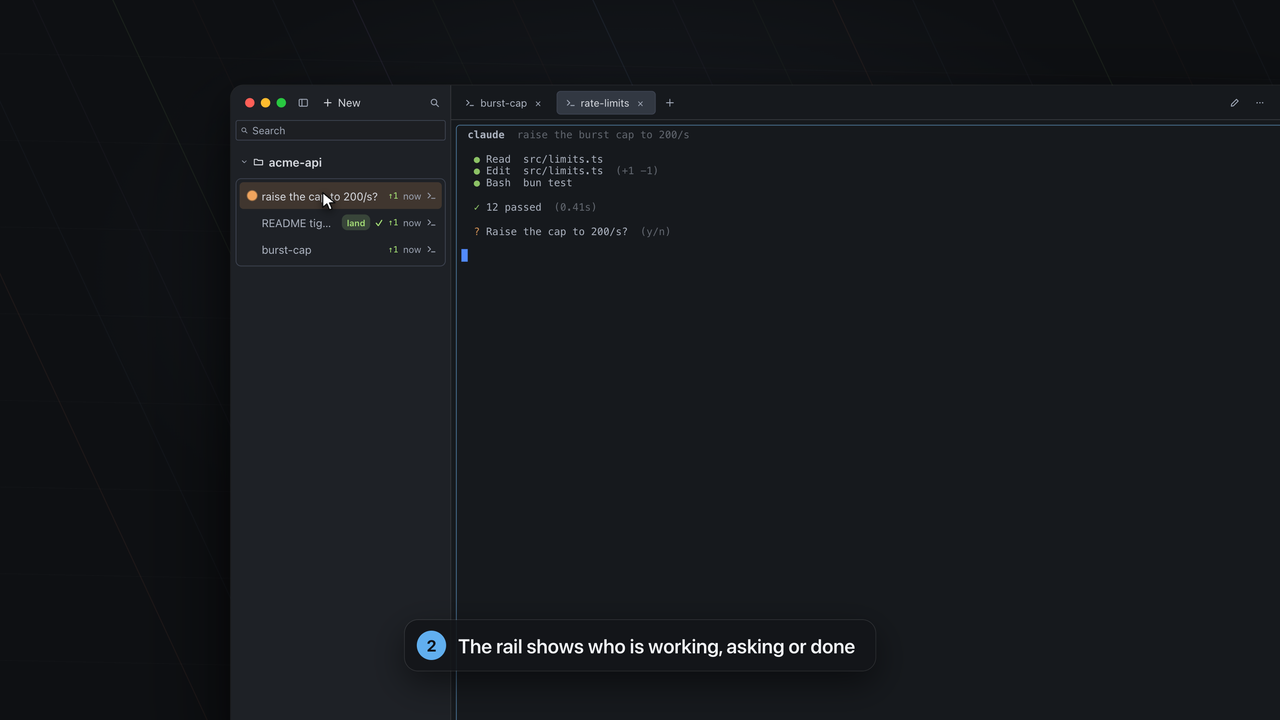
A local-first tool that runs many sessions on one repository and lands them back. A session is a git worktree plus a shell in it, like a tmux window with its own branch. A background daemon (cwd) does the bookkeeping; cw, a terminal dashboard and the Cockpit app talk to it.
Is it an IDE or an editor?
No. It has a lightweight file view and a diff, but it is not trying to replace your editor. Cmd+click opens files in the editor you choose.
Which agents does it work with?
Whatever you can run in a shell. There are launchers for Claude Code, Codex, Gemini CLI, OpenCode, Cursor Agent, Copilot CLI, Aider, Amp and Qwen Code, and you can add your own. Status marks are most reliable for Claude Code, Codex and Gemini.
Does it choose the agent for me?
No. You pick a launcher, or a plain shell, and you edit each launcher's command in Settings. Starting a session with a launcher types that saved command into the shell and runs it. crossweave does not pick, configure or supervise an agent.
Where does my code go?
crossweave itself sends nothing anywhere and has no telemetry: a local daemon behind one unix socket. Its only network uses are the installer's download, cw update, and an optional update check against GitHub. The Refine command is a program you name, and the agents you run and the pages you open have their own network behaviour.
Which platforms?
The CLI, daemon and terminal dashboard run on macOS (Apple Silicon and Intel) and Linux (x64). The Cockpit app is macOS on Apple Silicon. Windows is not a target.
What does it cost, and what is the licence?
It is free and open source under the MIT licence.
Why is the app not notarized?
Notarizing needs a paid Apple Developer account, which the author does not have yet. A browser download of the app will therefore trigger a macOS warning; the installer path and the manual steps on the Download page avoid or clear it.
How do I update?
Run cw update. cw also looks for a newer release in the background (the answer is cached for a day) and tells you when one exists; cw config update-check off turns that off.
Does automatic testing run by itself?
Only if you turn it on (Settings → Checks, off by default) and only for a test command you trusted with cw config trust. It runs code your agent just wrote, outside any sandbox.
How do I uninstall it?
Quit the app, stop each project's daemon with cw daemon stop, remove sessions you no longer need, then delete the installed files. The exact steps, in order, are in the install docs.
Do I need the app, or is the CLI enough?
The CLI and the daemon do everything; the Cockpit is the desktop view over them, on macOS with Apple Silicon. On Linux, or without the app, use cw and the terminal dashboard (cw tui).
What does landing do to my base branch?
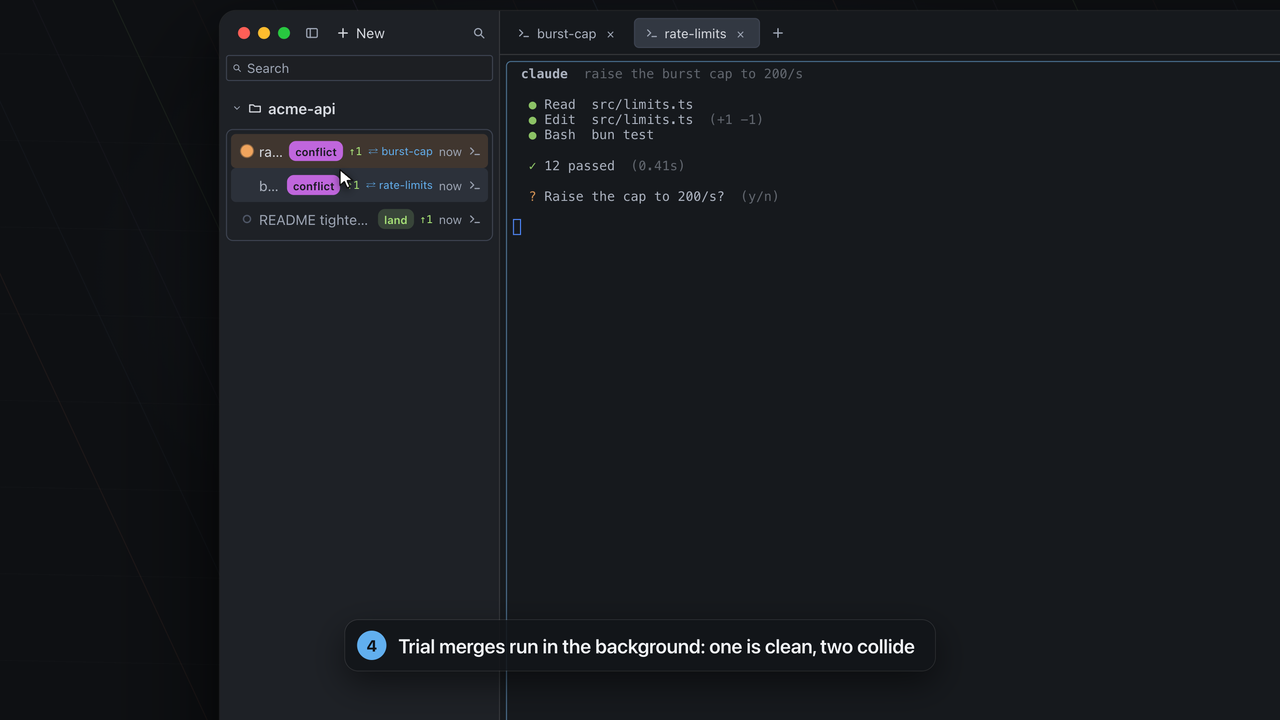
It merges the session's committed work into the base branch in your main checkout, as a squash by default (merge and rebase are configurable). The checkout must be clean, a running session needs --force, and a conflict stops it. Afterwards the session's worktree and branch are removed, so anything uncommitted in that worktree is not kept.
How is it different from agent IDEs?
An agent IDE is an editor with agents inside it. crossweave is the layer under your own tools: it gives each of them an isolated worktree and shell, shows their state and lands their work. It does not replace your editor or choose your agent.
How much disk do worktrees take?
A worktree shares the repository's object store, so it holds your working files, not another copy of the history. Dependencies installed per worktree (node_modules) are what grow. The Dashboard shows the disk each session holds (a lower bound while a measurement is still running), and cw gc reclaims ended sessions.
Why “crossweave”?
Your agents run as parallel warp threads. crossweave is the weft: the cross-thread that binds them so the fabric holds together.